

Why Your Calls and Recordings Sound Muffled
A faulty microphone is a major communication roadblock, causing frustration during important calls or failed recordings. Whether you have a smartphone mic that cuts out during a voice message or a laptop mic that delivers muffled sound during video conferences in Accra, the issue can stem from software settings or physical damage. It is a problem that requires quick diagnosis, as relying on poor audio quality impacts both personal and professional life.
Before bringing your device in, conduct a few simple diagnostic checks. First, verify that app permissions are correctly set in your device settings, ensuring the specific application has access to the microphone. Next, run a test using a different app to rule out a software bug. A common culprit is simple blockage: carefully inspect the tiny microphone opening for debris, lint, or accumulated dust and gently clean it with a toothpick or compressed air. If these steps fail, the problem is hardware: either the microphone component itself has failed, or more often, the internal connection has been damaged by a drop, liquid exposure, or corrosion.
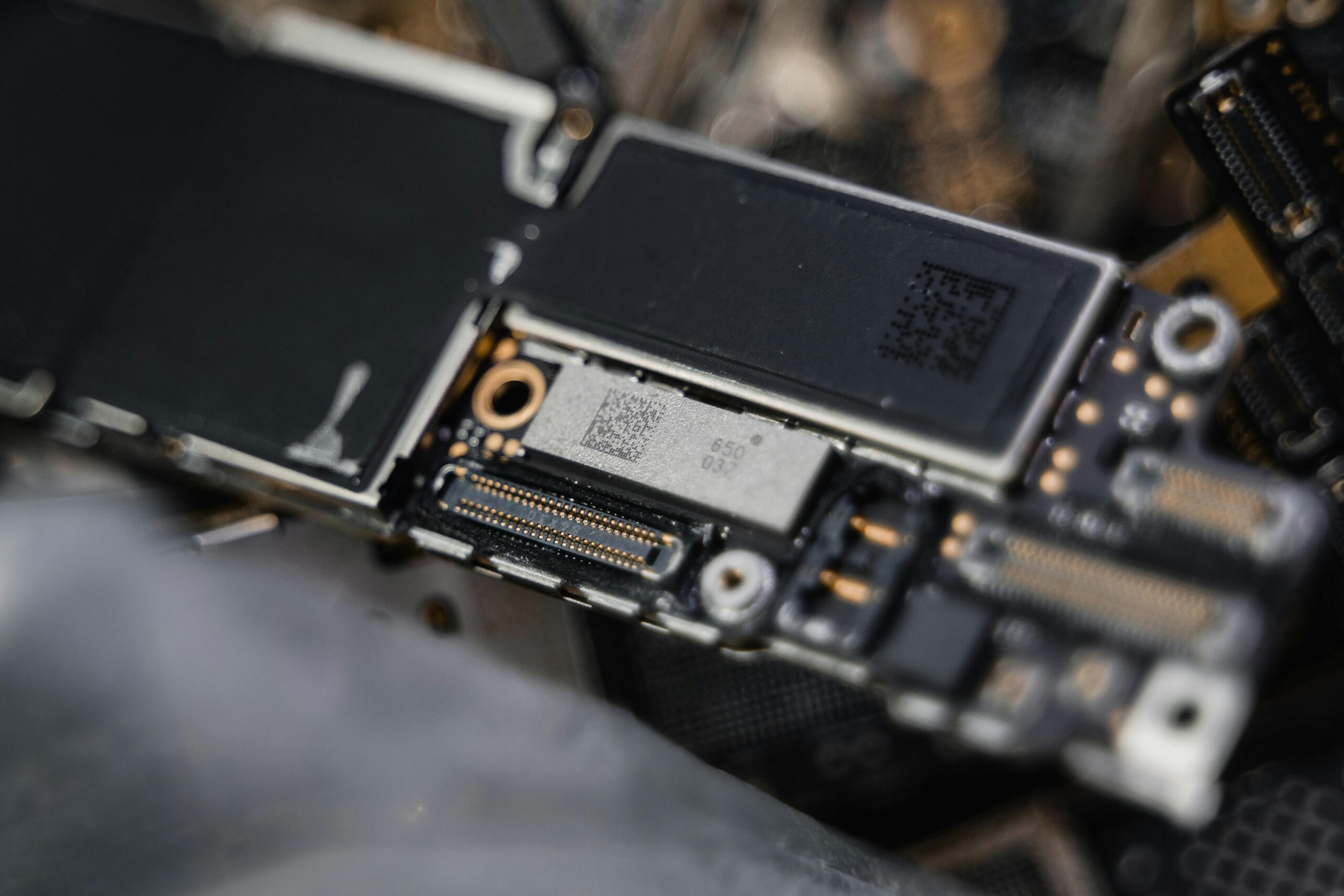
At Noble Mobile Phone & Computer Repairs, we specialize in restoring crystal-clear audio quality. Our skilled technicians are trained to perform precise micro-soldering and component replacement to fix microphones that are physically damaged or internally corroded. As the quote states, "A microphone fault often requires specialized tools to fix; generic repair shops usually just guess." We guarantee a professional fix that restores the clarity of your calls and recordings. Learn more about our specialized Mobile Phone Repair service, or simply Get a Free Quote Now for an honest diagnostic of your audio issue.
Trusted Repair Experts
We finalized a service page for microphone faults, emphasizing professional micro-soldering for complex fixes. We also provided 5 short, critical tips for customers, focusing on cleaning the mic hole, checking app permissions, and avoiding water damage.
- Clean Mic Hole: Use wood/air to clear debris from the microphone opening.
- Check App Access: Always verify permissions for the app using the mic.
- Avoid Hand Block: Be sure your hand or case is not covering the mic hole.
- Test Isolation: If one app fails, test the mic in a default recorder app.
- Guard From Water: Treat mic openings as entry points; keep them dry.
