
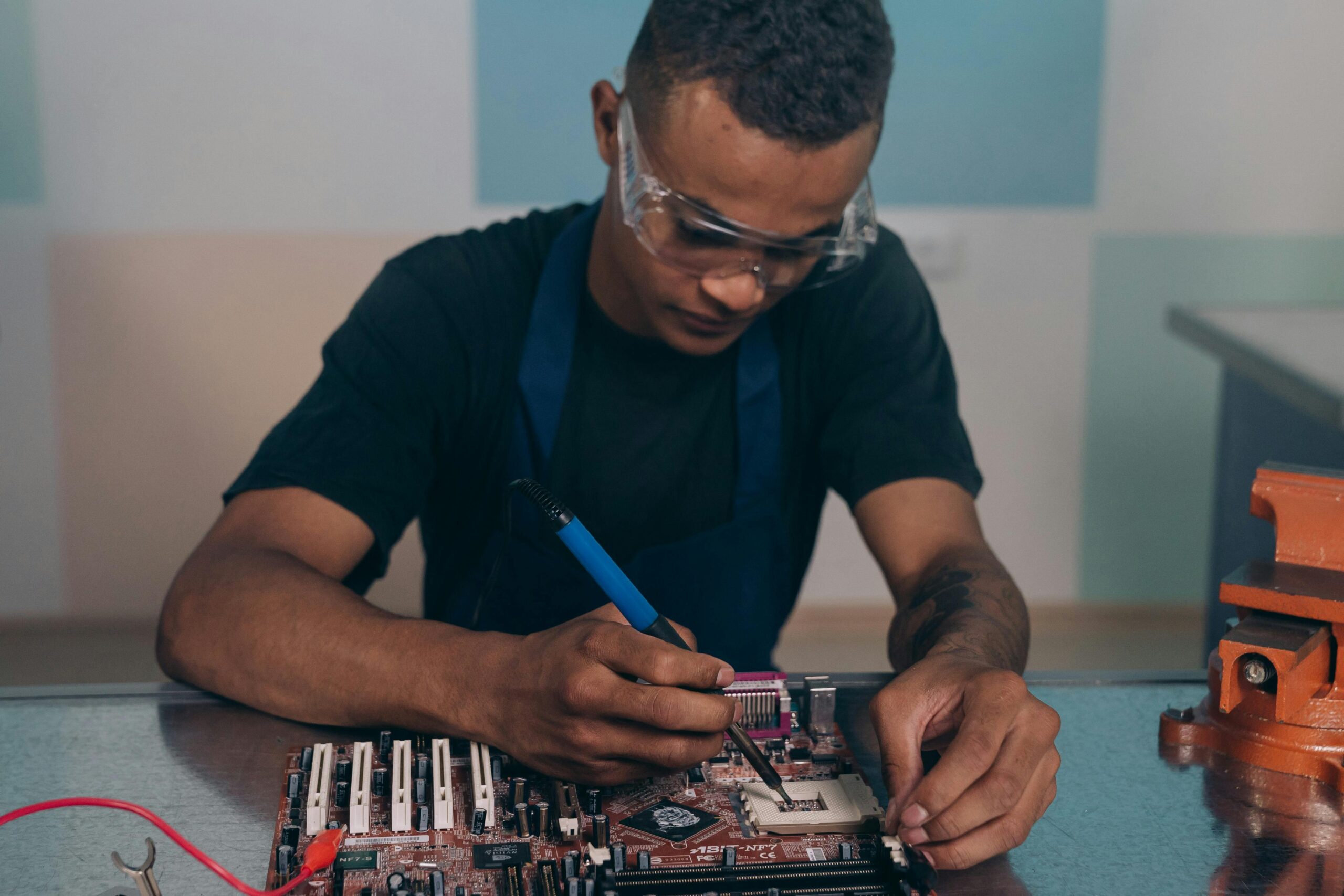
Hardware & Software: Understanding Your Computer's Two Brains
To keep your phone or computer running optimally in Accra, it is vital to understand the difference between hardware and software. Hardware is the physical machinery you can touch—the screen, the motherboard, the RAM, and the hard drive. Software is the non-physical code and data—the operating system (like Windows or iOS), applications, and files. Issues often fall into one of these two domains, but they interact constantly: slow software might be caused by old hardware, and damaged hardware might require a fresh software installation. A correct diagnosis is the Noble key to an effective fix.
When hardware is the bottleneck, the solution is often a targeted upgrade. An older computer suffering from slow performance, long boot times, or an inability to multitask efficiently usually needs a boost to its physical components. This means installing faster RAM or upgrading from a traditional hard drive to a modern Solid State Drive (SSD). As the quote states, "You cannot optimize a car with flat tires; similarly, you need healthy hardware before software can truly fly." These upgrades are physical fixes that drastically improve the computer's foundational speed and capacity. We specialize in diagnosing these physical limits and providing honest upgrade advice that maximizes the longevity of your machine.
When software is the problem, the solution lies in precision maintenance and security. Software issues include crippling viruses, malware, corrupted operating system files, and conflicts between applications. These problems require professional intervention—not physical tools, but specialized software and expertise to clean system roots and re-optimize the environment. Whether your device needs a full virus removal or a deep OS format and reinstallation, our team ensures your system is clean, secure, and running smoothly. Trust our technicians to know whether your issue requires an investment in Performance Upgrades or our System Optimization & OS Fix service.

The Ultimate Digital Balance
When dealing with a frustrating technical issue, trust a team that understands the vital balance between the physical components and the code that runs them. We ensure that both your hardware and your software are optimized and working in perfect harmony.
- Cool Hardware: Always use laptops on hard, flat surfaces to ensure proper airflow and prevent overheating.
- Update Software: Keep your operating system (OS) and main applications fully updated for security and bug fixes.
- Backup Data: Regularly back up all files; this protects your software (data) regardless of hardware failure.
- Check SSD Health: If you have an SSD, monitor its health—it drastically affects overall computer performance.
- Avoid Clutter: Uninstall unused software to free up storage space and resources for your essential applications.