
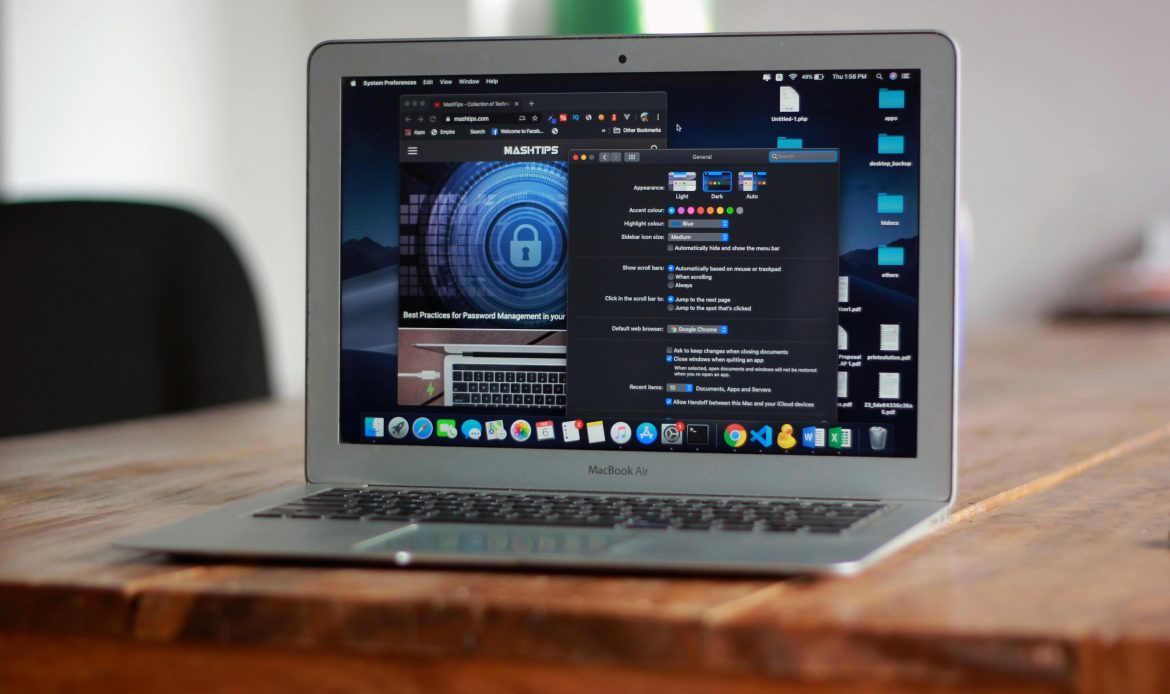
Is your dependable Mac suddenly sluggish? A slow macOS laptop can drastically reduce your productivity, whether you’re working, studying, or running a small business here in Accra. Before you panic or consider replacing your device, follow these simple maintenance tips.
Quote: “Performance issues are rarely random; they are usually the result of digital clutter or outdated hardware. A few simple steps can unlock serious speed.”
If DIY fixes aren’t enough, we’ll tell you the Noble solution that is built for lasting speed.
Part 1: Quick Fixes You Can Do Right Now
Most performance issues stem from poor digital housekeeping. These tips require no technical skill:
1. Manage Your Startup Items
Many applications automatically launch when you boot your Mac, instantly hogging resources. Go to System Settings > General > Login Items and switch off anything you don’t need running the moment you log in.
2. Clear Out Old Downloads and Desktop Clutter
Your Mac treats desktop files as active windows, which drains resources. Move all old files from your desktop and the Downloads folder into a dedicated archive folder or delete them. This frees up immediate space and processing power.
3. Review Your Browser Extensions
Web browsers like Chrome and Safari are often the main culprits for slowdowns. Too many extensions can cripple your speed. Go into your browser’s settings and ruthlessly disable or uninstall any extensions you rarely use.
4. Optimize Your Storage
macOS has built-in tools to help you manage large files. Go to Apple Menu > About This Mac > Storage > Manage. Review the recommendations to automatically clear large files, empty trash, and delete old iOS backups.
Need help with deep system maintenance? Our System Optimization & OS Fix service is designed to handle software issues that go beyond simple cleanup.
Part 2: When Software Isn’t Enough (The Noble Solution)
If you’ve cleaned everything and your Mac still crawls, the problem is likely physical. This is when the experts at Noble Mobile Phone & Computer Repairs can provide a permanent fix.
Quote: “A Mac that is 5 years or older can feel brand new again with a simple hardware upgrade. It’s often cheaper and faster than buying a replacement computer.”
1. The Need for a Performance Upgrade (RAM & SSD)
The biggest factor limiting an older Mac’s speed is outdated hardware. We specialize in two high-impact upgrades:
RAM Installation: More memory allows your Mac to run multiple applications simultaneously without freezing.
SSD Upgrade: Swapping your slow, traditional Hard Disk Drive (HDD) for a modern Solid State Drive (SSD) is the single most effective way to drastically boost boot-up and file-loading times.
2. Advanced System Optimization & Maintenance
Sometimes, complex issues like lingering malware, corrupted system files, or inadequate cooling are the real cause of slow performance.
Our technicians perform deep system diagnostics, optimizing your OS from the root level.
We physically clean the internal fans and cooling systems, preventing the thermal throttling that forces your Mac to slow down.
Ready for a real speed boost? Learn more about our specialized Performance Upgrades for Macs and Windows PCs.
The Noble Repair Difference in Accra
Don’t live with a sluggish machine. If you’ve tried all the quick fixes and still need professional help, trust the experts right here in Haatso, Accra.
Quote: “We’re not just fixing computers; we’re restoring productivity. Every repair we do is built on the promise of lasting performance and transparent pricing.”
Our service is built on transparency and expertise. Contact us today for a free diagnostic and let us restore your Mac to its peak speed!
“Relationships, like cars, should undergo regular services to make sure they are still roadworthy.”Mark Johnson