
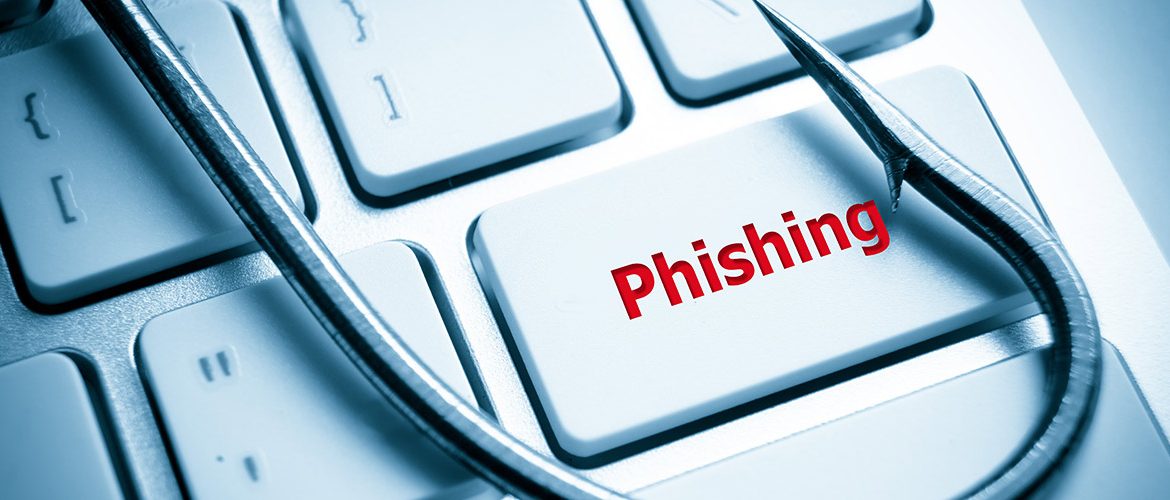
Phishing attempts—fraudulent communications designed to trick you into revealing sensitive information like passwords, bank details, or personal data—are one of the biggest threats to device users in Accra. These scams, which often arrive via email, text message, or pop-up, are becoming increasingly sophisticated and convincing, targeting users across mobile phones, laptops, and desktops. Protecting your identity and finances starts with knowing how to spot the red flags that separate a legitimate communication from a dangerous imitation.
The core tactic of phishing is urgency and imitation. Scammers often pose as trusted entities—your bank, a government agency, a social media platform, or even another company you do business with. Look closely at the sender’s email address; it will often contain a slight misspelling or a domain that doesn’t match the official brand (e.g., ‘@secure-bank.co’ instead of ‘@securebank.com’). Another major red flag is unusual urgency or threats, such as a notice that your account will be deleted immediately unless you click a link or provide your password. As the quote states, “Legitimate organizations rarely demand sensitive data via email or threaten immediate account suspension to force you into clicking a link.” Always hover your mouse over any hyperlink before clicking; the preview URL will likely show a strange, irrelevant domain name that doesn’t match the sender’s name


If you believe you have been phished or if suspicious activity has compromised your device, immediate action is crucial. You must change the passwords for all related accounts (email, bank, social media) and run a full system scan. Prevention is the best defense, but if a phishing attempt successfully installed malware or a virus on your system, Noble Mobile Phone & Computer Repairs can help. Our expertise in security and Virus, Malware, & System Cleanup ensures your system is thoroughly sanitized and secured against future attacks. Trust the experts who are built on integrity to protect your most valuable digital assets
“Online security requires constant vigilance. Knowing these red flags is your primary defense against sophisticated scams, keeping your identity safe and your device secure..”
Justice T
Inspect the Sender: Check the full email address; look for typos or strange domains (e.g., ‘.co’ instead of ‘.com’).
Verify the Link: Hover your cursor over the link (don’t click!) to see if the actual destination URL matches the text.
Look for Urgency: Be suspicious of threats like “Your account will be deleted in 2 hours” or demands for immediate action.
Check Greeting: Genuine emails use your full name; phishing often uses generic greetings like “Dear Customer.”
Never Send Data: Never send passwords, credit card numbers, or PINs via email or text message.